


I’ll be honest – I resisted voice dictation for years. It always felt clunky, unreliable, and more trouble than it was worth. That changed in 2026.
The average person types around 40–50 words per minute. You speak at 120–150 words per minute. That’s not a small gap – it’s a 3x productivity difference sitting unused every single day. And with today’s AI dictation tools hitting 92–99% accuracy right out of the box (no setup, no training), there’s really no good reason to keep ignoring it.
Here’s a breakdown of the tools I’ve found most useful this year, who they’re built for, and how to pick the right one for your workflow.
What Makes AI Dictation Different in 2026
Old-school voice tools like Dragon NaturallySpeaking required 15–20 minutes of voice training before they became remotely useful. Even then, you had to manually say “comma” or “period” to add punctuation, and accuracy hovered around 80–90% on a good day.
Modern AI dictation is a completely different experience. You speak naturally, the app infers punctuation from context, strips out filler words, and many tools will even adjust the tone of your output depending on where you’re typing – more casual for Slack, more formal for email.
It’s not transcription anymore. It’s understanding.

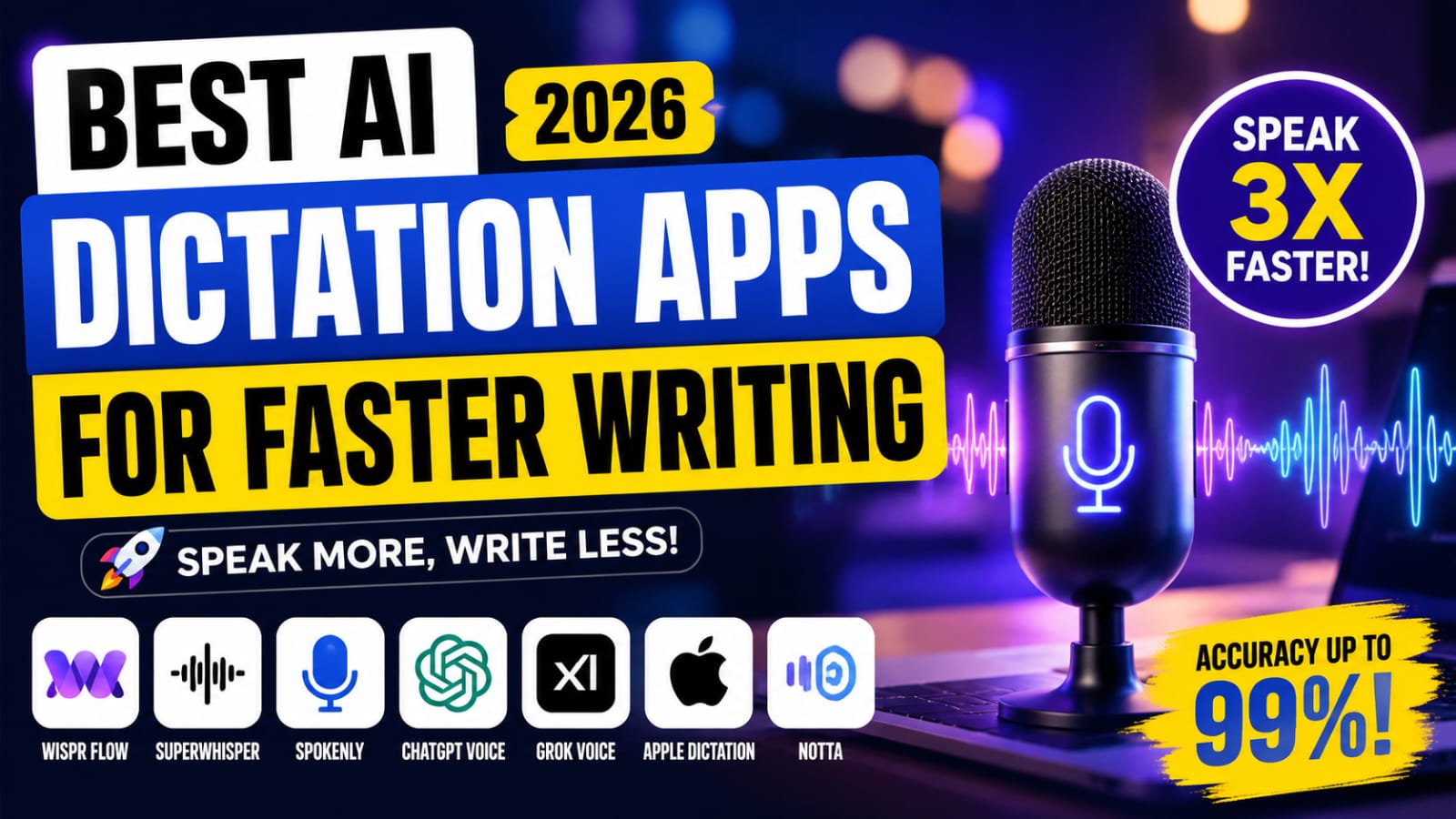
The Best AI Dictation Apps Right Now
1. Wispr Flow – Best for Cross-Platform Professionals
If you regularly switch between Mac, Windows, iOS, and Android, Wispr Flow is the only major AI dictation tool that covers all four platforms in one subscription. The hold-to-talk shortcut works inside any text field, in any app – Gmail, Slack, Word, VS Code, browser tabs, all of it.
What sets it apart is Command Mode (Pro feature): highlight existing text, hold the hotkey, and speak an editing instruction like “make this more concise” or “translate to Spanish” – the AI rewrites in place. Startup time is under 50ms, and text appears in under 450ms under normal network conditions.
Pricing: Free (2,000 words/week) | Pro: $15/month or $144/year
Limitation: Cloud-only, no offline mode
2. Super Whisper – Best for Privacy-First Mac Users
Super Whisper takes the opposite approach: everything runs locally on your Mac. Your audio never touches a server. Transcription happens entirely through on-device Whisper models, which makes it the strongest privacy-focused option for Apple users in 2026.
It supports 100+ languages and won the 2026 Orbit Award for AI Dictation. The downside is platform lock-in – Mac and iOS only – and the free tier is essentially a trial with a hard cap of 1,000 total words.
Pricing: $9.99/month | Lifetime: $849
Limitation: Mac and iOS only
3. Spokenly – Best Free Option for Mac
Spokenly is the budget-friendly answer for Mac users who want real AI dictation without a monthly subscription. The free tier uses local NVIDIA Parakeet and Whisper models – full offline processing at zero cost.
For users who want cloud-level accuracy without a separate subscription, Spokenly also supports bring-your-own-key (BYOK): plug in your own Open AI, Deep gram, or Grok API key and use cloud transcription at cost. There’s also an iOS app with a custom keyboard, making it one of the few genuinely free options that extends to mobile.
Pricing: Free (local models) | Pro: $9.99/month or $99.99/year
Limitation: Mac and iOS only
4. Chat GPT Voice – Best for AI-Assisted Writing
Chat GPT offers two distinct voice experiences. Dictation mode lets you tap the microphone, speak naturally, and have your words appear as editable text – free for all users. Advanced Voice Mode goes further: it’s a real-time, two-way conversation where the model speaks back, handles interruptions, and reads emotional context in your voice.
A useful workflow: use dictation to draft a long email or blog outline hands-free, then ask ChatGPT to clean up the output in the same session.
Pricing: Free (basic dictation) | Plus: $20/month for Advanced Voice
Limitation: Cloud-only, requires internet
5. Grok Voice – Best for Real-Time Conversation
Grok Voice operates as a full-duplex system – it processes incoming audio and generates responses simultaneously, rather than waiting for you to finish a sentence. This makes conversations feel genuinely fluid rather than mechanical.
The April 2026 launch of Grok Voice Think Fast 1.0 topped the Tau Voice Bench. xAI built it specifically to handle real-world messiness: background noise, strong accents, and mid-sentence interruptions. Voice cloning from short audio clips was added in June 2026. Core voice features carry no separate audio fees – only standard token usage.
Pricing: Free (core features) | Subscription for unlimited access
Limitation: Cloud-only
6. Apple Dictation + Apple Intelligence – Best Free Built-In Option
For anyone already in the Apple ecosystem, the answer to free AI dictation is already on your device. Apple Dictation runs on-device on Apple Silicon, so your audio stays entirely local. Apple Intelligence Writing Tools (available from iOS 18.1 onward) let you proofread, rewrite, or summarize any text system-wide with a tap.
The one gap worth knowing: Dictation and Writing Tools are still separate actions. You can’t chain a single voice trigger that both transcribes and AI-rewrites your text in one step – third-party apps like Wispr Flow currently fill that specific gap.
Pricing: Free, built-in
Limitation: Apple devices only
7. Notta – Best for Meeting Transcription
Notta is built for enterprise-scale transcription. Its 2026 engine accurately identifies six or more speakers by combining calendar-informed prediction, voice profile matching, and real-time acoustic clustering. It’s used by 68% of Japan’s Nikkei 225 companies and has surpassed 10 million global users.
Compliance certifications include ISO 27001, SOC 2 Type II, HIPAA, GDPR, and CCPA – which matters if you’re in a regulated industry.
Pricing: Free (120 min/month) | Paid plans from ~$13.99/month
Limitation: Partial offline support only
Quick Comparison
| App | Offline? | Platforms | Starting Price | Best For |
| Wispr Flow | ❌ | Mac, Win, iOS, Android | $15/mo | Cross-platform power users |
| SuperWhisper | ✅ | Mac, iOS | $9.99/mo | Privacy-first Mac users |
| Spokenly | ✅ | Mac, iOS | Free | Budget-conscious Mac users |
| ChatGPT Voice | ❌ | iOS, Android, Web | Free | AI-assisted writing |
| Grok Voice | ❌ | iOS, Android, X Web | Free | Real-time AI conversation |
| Apple Dictation | ✅ | iPhone, iPad, Mac | Free | Apple ecosystem users |
| Notta | Partial | iOS, Android, Web | Free / ~$13.99/mo | Enterprise meeting transcription |
How to Choose
- Writing across multiple devices daily? Wispr Flow is the only tool covering all four major platforms.
- Privacy is non-negotiable? SuperWhisper (paid) or Spokenly (free) keep everything on-device.
- Want AI to help you write, not just transcribe? ChatGPT Voice with Plus is the most capable option here.
- Already in the Apple ecosystem? Apple Dictation plus Writing Tools is surprisingly solid and completely free.
- Managing meetings with multiple speakers? Notta’s 2026 speaker diarization is the clearest choice.
- Medical or legal professional on Windows? Dragon Professional still delivers for specialized vocabulary, even if its development has stalled since 2023.
Final Thought
Speaking is three to four times faster than typing, and today’s AI dictation tools produce output clean enough to use with minimal editing. The barrier that existed a few years ago – setup friction, poor accuracy, clunky punctuation – is largely gone.
Whether you start with the free built-in Apple Dictation or go straight to something like Wispr Flow, the first step is simply trying it for a week. Most people who do don’t go back to typing everything.
Which app are you using? Drop it in the comments – always curious what’s actually working for people.